



In this article
To repurpose TikToks as Instagram Reels for brands, ship the same footage, re-finished: keep the clips, hook idea, and structure, then change the export, on-screen text placement, cover, caption, audio, and CTA so the Reel reads as native Instagram. Copy-paste means uploading the same downloaded file. Re-finish means the viewer never notices a TikTok dump.
That is the whole method. You do not need a new shoot. You need a clean master and a short Instagram packing list for every clip you port.
Keep vs change when you adapt TikTok videos for Instagram Reels
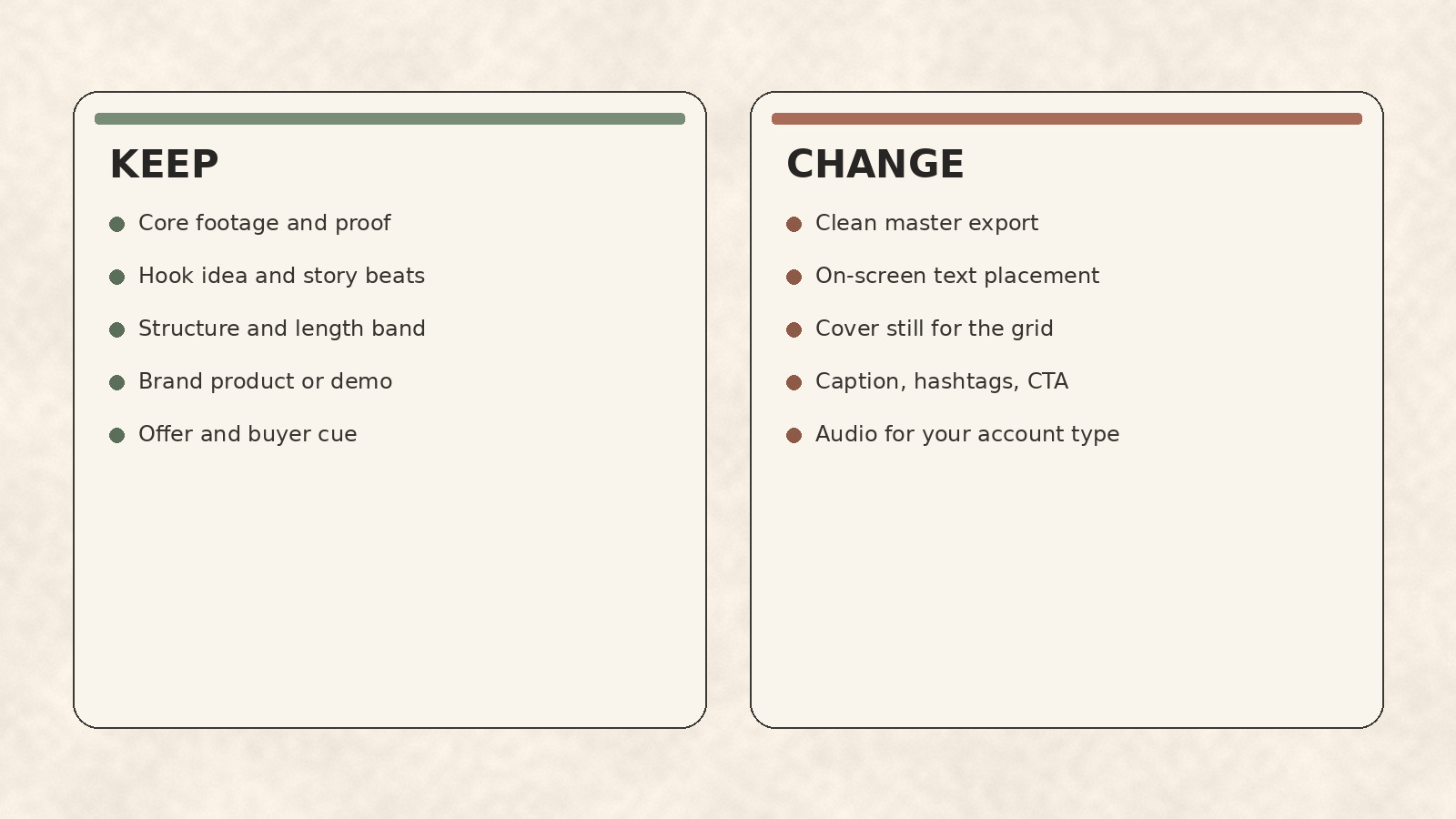
Use this table before you touch the timeline. It stops teams from rewriting footage that already works, and from shipping a watermarked download because “it is close enough.”
| Keep | Change |
|---|---|
| Core footage and proof moments | Export source (original project or raw clips, never a watermarked download) |
| Hook idea and story beats | On-screen text size and placement for Instagram safe zones |
| Overall structure and length band | Cover still for the profile grid and Reels tab |
| Brand product, face, or demo | Post caption, hashtags, and CTA wording for Instagram habits |
| Offer and buyer cue | Audio track available to your Instagram account type |
Keep means the idea and the pixels you already filmed. Change means every surface Instagram shows before, during, and under the video. If a step is not in the Change column, do not invent work.
Clean master export: never re-upload a watermarked download
A clean master export for Reels starts in the edit you already made, not in a downloader. Open the original CapCut, Premiere, Final Cut, or phone project and export a fresh file. If the project is gone, rebuild from the raw clips in your camera roll. Do not download your own TikTok from the app and re-upload that file to Instagram.
Why this matters for recommendations: Instagram’s creators guidance lists eligible recommended content as original, guideline-safe, and with no visible watermarks (Instagram for Creators). Other-platform logos on the frame are the opposite of a native Reel. We do not invent reach percentages. We do not sell watermark-removal tools. The reliable fix is a clean master from source.
Quick export checks:
- No TikTok logo, handle, or UI chrome burned into the frame.
- No third-party downloader artifacts or soft blur from recompression.
- Vertical 9:16, sharp enough for a phone full screen.
- File named for the IG version so nobody grabs the old TikTok export by mistake.
Instagram re-finish packing list
Re-finish is the packing list after the clean master exists. Do not restate pixel tables here. Run each check, then follow the linked guide when you need the craft detail.
On-screen text. Move titles and captions into Instagram-safe areas so UI chrome does not cover them. Use the Reels size, dimensions, and safe zones guide for the numbers; this page only asks you to verify placement on a phone preview.
First frame. The mute-first opening still has to stop the scroll on Instagram’s feed, even if the TikTok hook already worked. Run the first frame for in-feed viewing checklist once per ported clip.
Cover. Profile grid and Reels tab need a still that matches your brand series, not a random mid-blink frame. Treat covers with the Reels cover design for a consistent grid rules.
Brand type and palette. Keep on-screen type and colors aligned with the same sheet your other Reels use. If that sheet is not written yet, pull brand palette and type from your website once so every ported clip matches the rest of the grid.
Re-finish is small, deliberate polish. It is not a second creative concept.
Audio and rights when the TikTok sound will not carry
Trending TikTok sounds often do not transfer cleanly to Instagram, especially on business accounts. Prefer one of these:
- Original audio you recorded (voiceover, product sound, room tone with a brand line).
- A track you confirm is available to your Instagram account type before you publish.
- Licensed music your brand already cleared for social.
Do not assume a sound that worked on TikTok is cleared for a business Reel. Check the sound on Instagram for your account before you schedule. If the track is missing, muted, or unavailable, swap it before publish. We do not invent mute rates or commercial-library rules here. The practical rule is: verify availability for your account type, or use original or properly licensed audio.
Rewrite the caption and CTA so it does not read like a TikTok dump
TikTok captions lean on FYP slang, stitch language, and “link in bio” habits. Instagram post copy under a Reel usually needs a clearer opener, one value line, and one CTA that fits saves, shares, or a profile action. Rewrite every caption you port. Do not paste the TikTok text and add a hashtag.
Use the formulas and examples in Instagram Reels caption examples for brands. Keep the rewrite short:
- Opener that states the buyer problem or proof in one line.
- One value beat that matches what the video shows.
- One CTA (save, share with a teammate, or a clear next step).
- A short hashtag set that matches the topic, not a dump of twenty tags.
If the TikTok depended on a stitch, duet, or comment thread to make sense, rewrite the opening on-screen line so the Reel stands alone.
Which TikToks to port first (and which to skip)
Port from your signals, not from platform-only trends.
Port first when:
- Completion, saves, or comments were strong on your TikTok for your buyers.
- The clip shows your product, service, or proof without needing TikTok-only context.
- The hook idea still makes sense to someone who never opens TikTok.
- You still have the original project or raw clips for a clean master.
Skip or heavily rewrite when:
- The clip only works as a stitch, duet, or reply to a TikTok comment.
- The trend audio or meme dies outside TikTok’s For You page.
- You only have a watermarked download and no source files.
- The piece is entertainment-only with no brand cue you are willing to keep on Instagram.
Batch three keepers before you build a system. One good port teaches the packing list faster than ten average dumps.
Same footage is an asset. Same file is a shortcut that still looks like someone else’s platform.
DIY checklist: Same Footage, Re-Finished (per clip)
Do this by hand for the next three TikToks you want on Instagram. No special software required beyond your existing editor.
- Pick from your signals. Choose a clip with strong completion, saves, or comments for your buyers. Skip stitches, duets, and TikTok-only trends.
- Export a clean master. Re-export from the original project or rebuild from raw clips. Never re-upload a watermarked download.
- Re-place on-screen text. Confirm titles sit in Instagram safe zones on a phone preview.
- Set first frame and cover. Mute-first hook for the feed; on-brand still for the grid.
- Check audio rights. Confirm the sound is available to your Instagram account type, or swap to original or licensed audio.
- Rewrite caption and CTA. Drop FYP slang and “link in bio” habits. One opener, one value line, one CTA.
- Preview mute-first on a phone. Watch the first three seconds with sound off. Fix anything that fails.
- Post natively, then loop later. Publish the Reel on Instagram. When you are ready to systematize volume, fit ported clips into your weekly loop instead of inventing a second calendar here.
Need more ideas when the calendar is thin after you empty the TikTok backlog? Start from Instagram Reels ideas for brands (blank calendar).
Make on-brand Reels faster with beREEL
The checklist above works without us. Teams usually lose time earlier: deciding what else to ship once the best TikToks are ported, and keeping every new Reel on-brand.
beREEL starts from your website. Paste it in and it builds Brand DNA (audience, offer type, personas, benefits, tone), then filters a TikTok-style feed of 600+ templates to those buyers. You remix a proven format onto your product or service, make photo and video Reels from the stills and clips you already have, and schedule to TikTok, Instagram, YouTube Shorts, Facebook, and Snapchat with performance learning for best hour. It does not auto-import your TikToks, strip watermarks, or one-click convert cross-posts. It helps you decide and ship the next on-brand cuts after the re-finish habit is in place.
Creating a free account takes about a minute, and you start with 170 free credits, no card needed: www.bereel.pro.
Same footage, finished for Instagram
Keep what already works on camera. Change every surface Instagram shows. Export clean, re-finish text and cover, verify audio, rewrite the caption, and only port clips that stand alone. That is how brand teams adapt TikTok videos for Instagram Reels without looking copy-pasted.