



In this article
An AI Instagram Reels generator for brands should solve a brand problem first: on-brand short video that matches a real buyer. Many 2026 tools solve a different problem: turn a prompt into a talking avatar, stitch stock B-roll from a script, or clip a long podcast into vertical cuts. Those can be useful. They are not the same as a generator that starts from your website, locks Brand DNA, and filters proven templates to your audience.
This page helps you pick the right generator lane. For the website-to-voice sheet itself, use Brand DNA for Instagram Reels from your website. That sibling owns the DNA checklist. This page owns the shopping decision for AI Reels generators aimed at brand teams.
What kinds of AI Reels generators exist in 2026?
Most roundups mix four lanes:
- Avatar / presenter generators. Script in, talking head out (often multilingual).
- Prompt-to-stock generators. Text in, stock footage + voiceover out.
- Long-to-short clippers. Podcast or webinar in, captioned vertical clips out.
- Inspiration-first brand generators. Site or brand inputs in, buyer-filtered templates and remixes out.
CapCut still appears as the free editor in many lists. That is craft, not generation of the weekly idea. Canva covers template design. Predis-style tools paste a product URL into a templated promo. HeyGen-style tools excel when you need a presenter without filming.
Brand teams should name the lane before they compare prices.
Which lane fits brands that already have a site and assets?
If you sell products or services and already have a live website, photos, and a tone of voice, start in the inspiration-first lane:
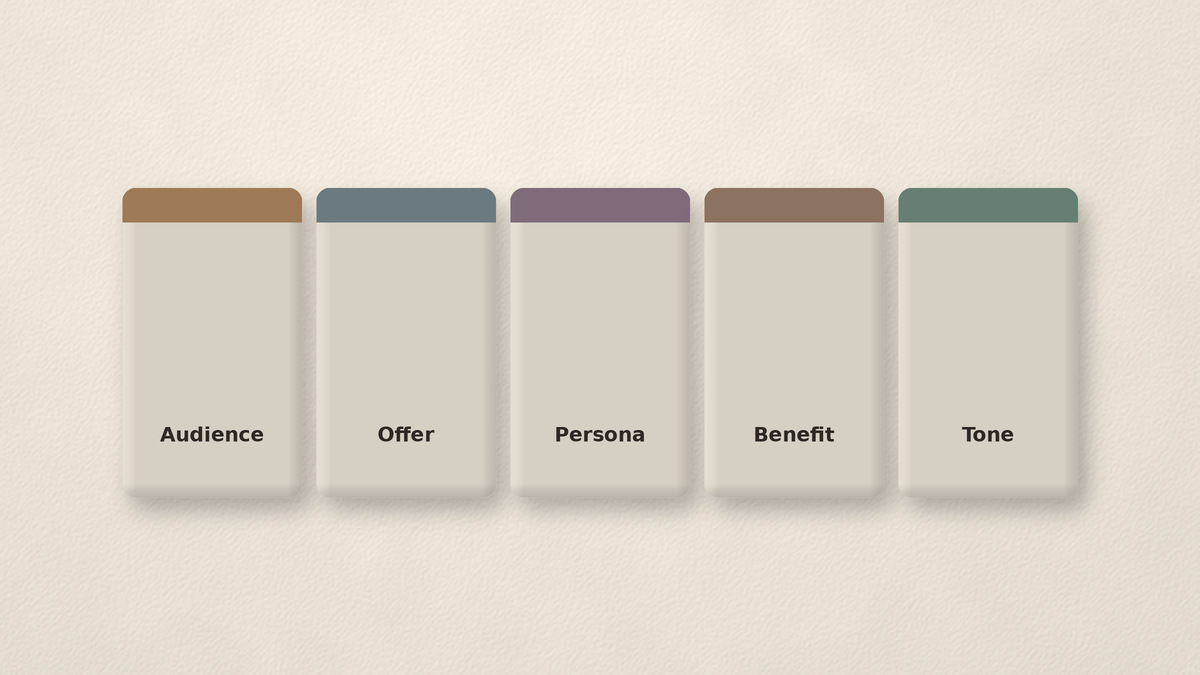
- Extract Brand DNA from the site: audience, offer type, personas/archetypes, benefits, tone.
- Browse templates that already work as Reels structures.
- Remix those structures onto your SKUs or services.
- Edit only what still needs craft.
You avoid writing “make a viral Reel about our moisturizer” into a prompt box and hoping the model invents your buyer. Prompt boxes drift. Brand DNA fields constrain.
When your backlog is long-form video, a clipper lane is better. When you need a host on camera and refuse to film, an avatar lane is better. Match the job.
Why prompt-to-video often drifts off-brand
Prompt-to-video optimizes for a single clip that looks finished. Brand feeds need a month of clips that still sound like one company.
Common drift patterns:
- Stock faces that do not match your category.
- Hooks that could sell any competitor.
- Tone that is hype when your site is calm.
- Offers invented by the model (discounts you do not run).
Fix drift with constraints before generation: locked benefits, banned phrases, persona filters, and templates that already encode pacing. Then generate or remix inside those rails.
How Brand DNA + a template feed differs from an avatar maker
| Avatar maker | Inspiration-first brand generator | |
|---|---|---|
| Input | Script or prompt | Website to Brand DNA plus goals |
| Output | Presenter clip | Remixed template on your assets |
| Brand risk | Voice can feel corporate or generic | Fit checked against DNA fields |
| Best when | You need a face, many languages | You need weekly on-brand formats |
| Free reality | Credits and watermarks vary | Clear free start, no card |
beREEL sits in the inspiration-first lane. Paste the website, build Brand DNA (audience, offer type, personas/archetypes, benefits, tone), then scroll a TikTok-style feed of 600+ templates filtered to those buyers. Remix photo and video Reels. Schedule to TikTok, Instagram, YouTube Shorts, Facebook, and Snapchat with performance learning for best hour. It is not an avatar studio and does not pretend to be one.
What to check before you start a free trial
- Lane fit. Avatar, stock prompt, clipper, or inspiration-first?
- Brand fields. Which inputs are real (site scrape, kit upload) vs a vague prompt?
- Asset ownership. Can you use your product photos and customer clips with rights?
- Export honesty. Watermark, resolution, commercial rights.
- Edit path. Can you polish in CapCut or native Instagram after?
- Claims hygiene. No invented retention percentages. No “guaranteed viral.”
- Internal links to process. Will the team still use a weekly pick session?
Pair generator choice with Instagram Reels templates for brands for remix craft and turn product photos into on-brand Instagram Reels when stills are the main asset.
Worked example: SaaS without a physical product
A B2B SaaS team tried an avatar tool. Clips looked polished. Comments asked if the host was real. Prospects who knew the founders felt the mismatch.
They switched the generator job: Brand DNA from the marketing site, templates filtered to “ops managers who hate busywork,” formats like objection handling and UI result-first opens. Avatars became optional for one localized market only. The weekly calendar filled with remixed UI proof Reels instead of synthetic presenters.
Same budget category (“AI Reels”). Different lane. Better brand fit.
How “Instagram Reels ideas from website” fits this generator choice
Some teams search for Reels ideas from their website. That is adjacent intent. The durable mechanism is still Brand DNA: pull audience, offer type, personas, benefits, and tone from the live site, then let those fields filter formats. A generator that only scrapes product titles into a promo script without persona filters will feel like ads.
Use the Brand DNA sibling for the sheet steps. Use this page to avoid buying an avatar suite when what you needed was website-grounded inspiration.
Ecommerce note: URL-to-Reel is not the same as Brand DNA
Product URL tools are fast for catalog coverage. They shine when you need price overlays and SKU volume. They underperform when every Reel should speak to a named persona with a consistent tone. If your catalog is large, use URL automation for depth and Brand DNA filters for the hero weekly Reels that carry brand voice.
Do not merge both jobs into one vague “AI content” subscription without naming which Reel types each tool owns.
DIY: evaluate three generators in one afternoon
- Write your lane in one sentence.
- Shortlist one tool per relevant lane (max three).
- Run the same brief: one persona, one offer, one asset folder.
- Score each export: logo-swappable? DNA match? Editable?
- Time the path from brief to upload-ready file.
- Keep the winner lane. Do not keep three overlapping subscriptions.
- Document the handoff to CapCut or Instagram for polish.
Mute-first and first-frame still apply to AI output
AI exports fail the same way human edits fail: logo opens, soft establishing shots, text outside safe zones. Run a mute phone preview. For placement rules, use the first-frame mute-first captions guide. Generators do not waive that ship gate.
Start free without the vitamin pitch
“AI helps you create faster” is not a strategy. Faster off-brand Reels still cost attention.
Pick a generator that constrains ideas to your buyer. Then create.
beREEL is built as an AI Reels generator for brands in the inspiration-first sense: website to Brand DNA to filtered 600+ templates to remix to schedule. Creating a free account takes about a minute. Start free, no card required: www.bereel.pro.
Pick the lane, then the logo
An AI Instagram Reels generator for brands is a category with several jobs inside it. Name the job. Prefer tools that start from your site and buyer, not from a blank prompt. Keep CapCut for craft when you need it. Measure results in your Insights, not in someone else’s roundup chart.